
MFA Integration & Deployment Masterclass
Discover how Multi-Factor Authentication (MFA) helps protect user accounts and prevent unauthorized access. This tutorial walks you through the MFA setup and integration process, demonstrating how additional verification methods can enhance authentication security. Follow the configuration steps to implement MFA effectively and build stronger access controls for your environment.


Learn how to strengthen access security by implementing Multi-Factor Authentication (MFA) across different systems and environments. This course provides practical, step-by-step tutorials for configuring MFA integrations with Windows, Linux, and VPN environments. You’ll understand how MFA adds an additional layer of protection beyond passwords and how it can be deployed to secure user access to critical resources. From system authentication to remote and VPN access, the course covers key integration scenarios and deployment considerations. By completing this learning path, you’ll gain practical knowledge to configure, deploy, and manage MFA across commonly used enterprise environments.
Course Overview
- Course 1
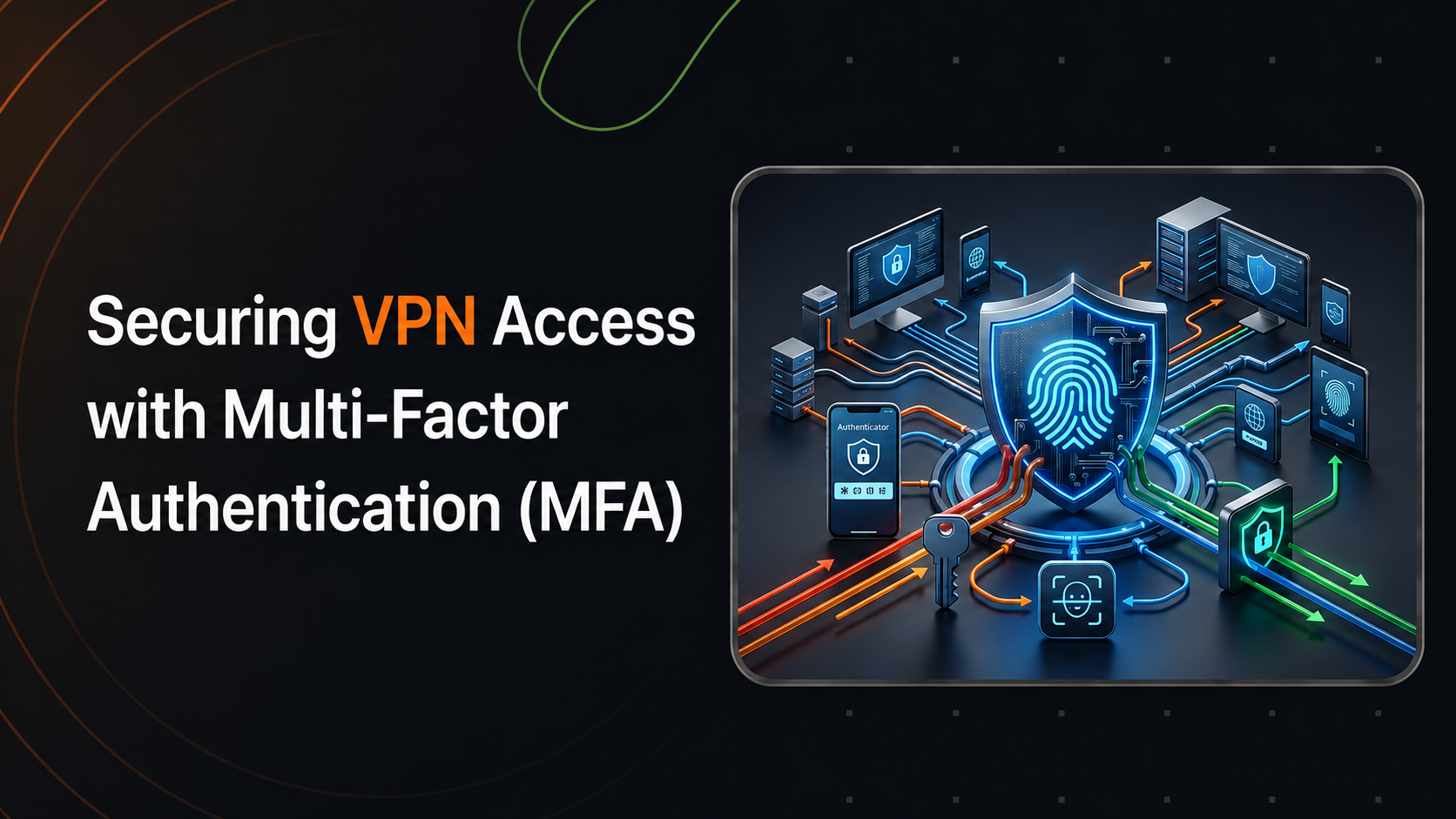
Securing VPN Access with Multi-Factor Authentication (MFA)
Explains how to add a RADIUS-based second authentication factor to VPN clients (Cisco AnyConnect, OpenVPN, Windows RRAS), validating primary credentials […]
Free - Course 2
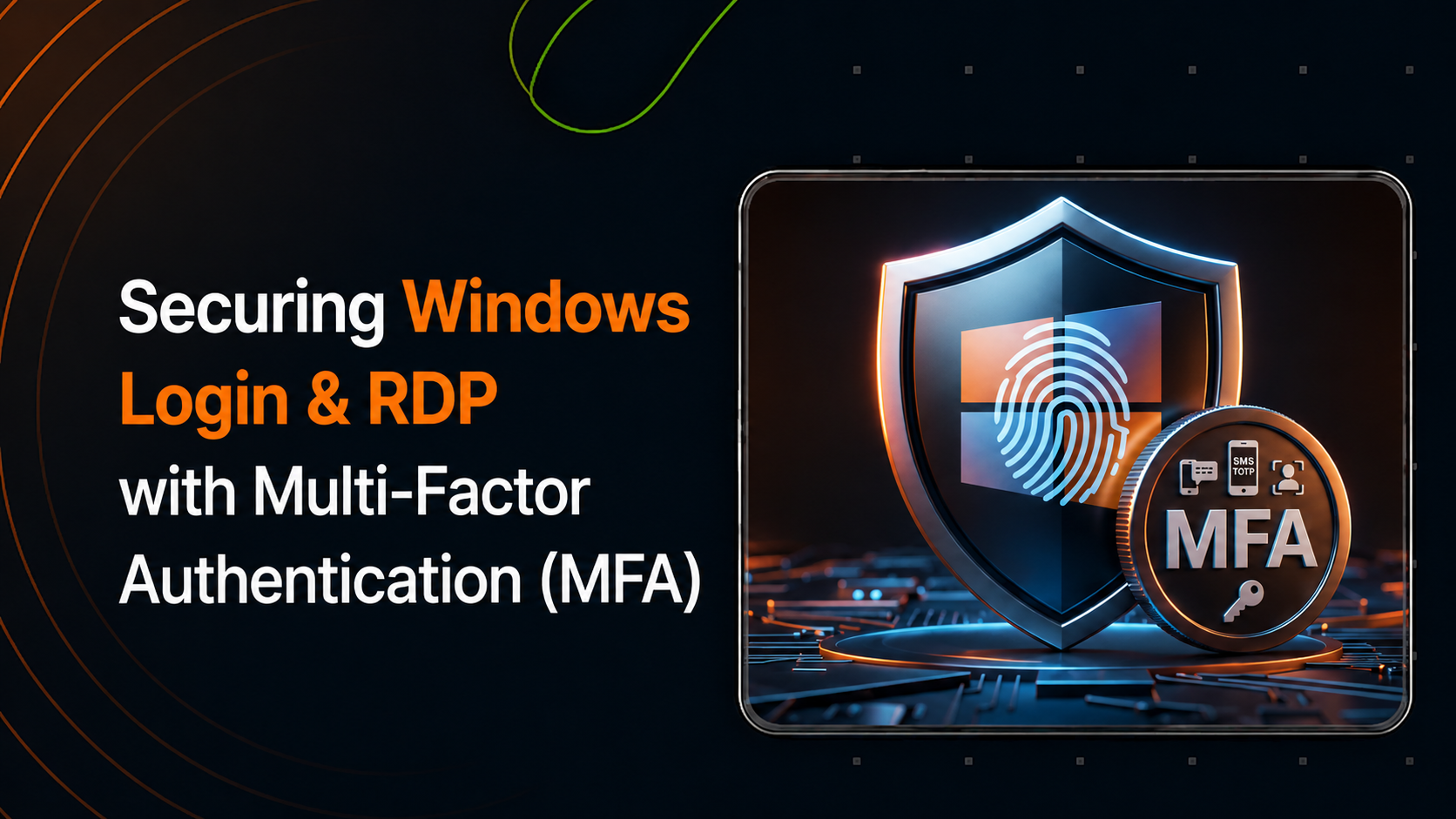
Securing Windows Login & RDP with Multi-Factor Authentication (MFA)
Covers protecting Windows workstation logins and Remote Desktop sessions using miniOrange’s Windows Credential Provider — enforcing MFA at the native […]
Free - Course 3
Securing Linux Access with Multi-Factor Authentication (MFA)
Shows how to enforce MFA on Linux systems using the PAM (Pluggable Authentication Module) framework — covering SSH connections, sudo […]
Free
Related Collection

Mastering SSO: SAML, OAuth, JWT & Identity Brokering
A hands-on training collection covering miniOrange's core identity solutions —...