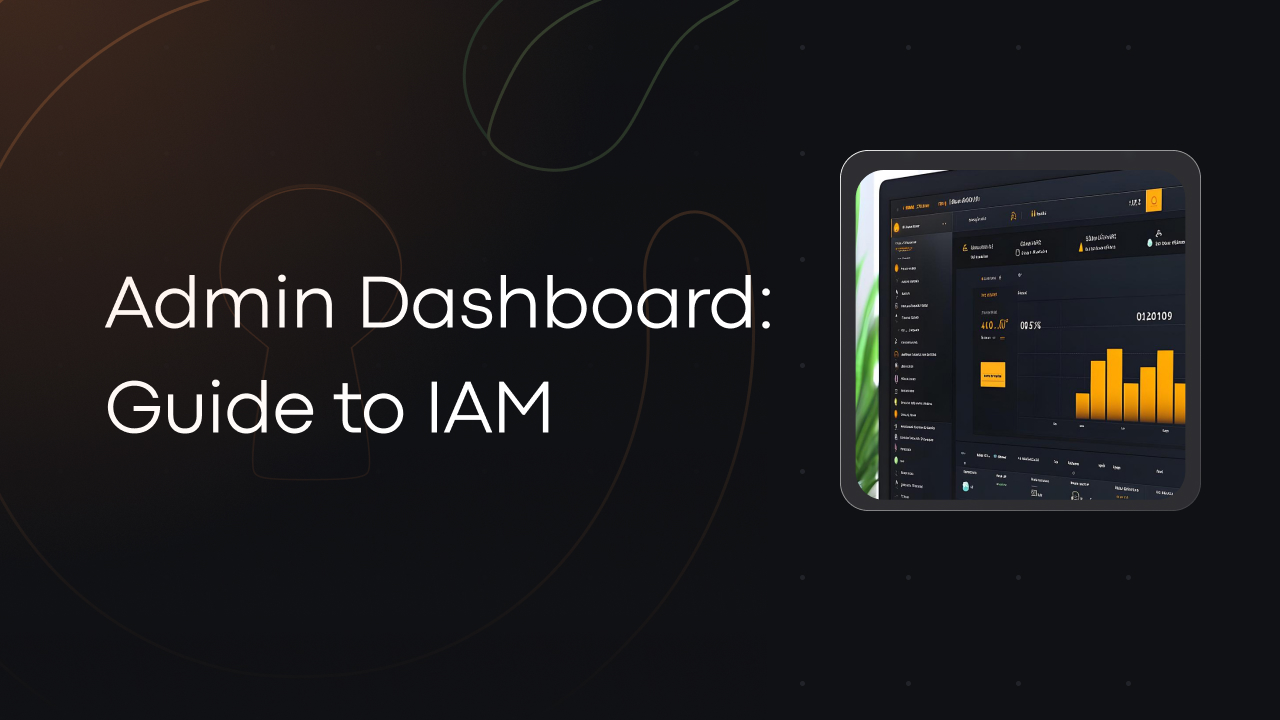
Admin Dashboard: Guide to IAM
Summary:
The miniOrange IAM dashboard shows who logged in, when, and from where across all your apps. Admins can manage user roles, set login rules, and control access easily. It also gives clear reports and audit logs to help with security and compliance. All insights are available in real-time and can be exported or integrated with tools like SIEM for deeper analysis.
What You Will Learn:
Application Configuration: View all connected applications, including SAML, OAuth, OIDC, and JWT-based integrations. Track their connection status, metadata, and configuration history.
Identity Provider (IdP) Management: Monitor active IdPs (e.g., Google Workspace, Azure AD), review SSO bindings, and manage trust settings for seamless identity federation.
Active Directory & User Store Sync: Display sync health and mapping status from directories like LDAP, Azure AD, or on-prem databases. Track provisioning, attribute mapping, and sync logs.
User Management: Add, update, or delete users manually or in bulk. Monitor user status, last login, provisioning source, and authentication method.
Group and Role Management: Create and manage user groups or roles for access control. Track group assignments, nested hierarchies, and entitlement propagation.
Policy Enforcement: Review how MFA, session control, and conditional access policies are applied across users, roles, or applications.
User Authentication Trends: View patterns of login activity over time, broken down by success/failure rate, authentication method, and target application.
User Activity Logs: Audit user sessions with timestamped details including IP address, geolocation, device type, and browser, for forensic or compliance use.
Curriculum
- 1 Section
- 1 Lesson
- 30 Minutes
- Chapter 11
Instructor